
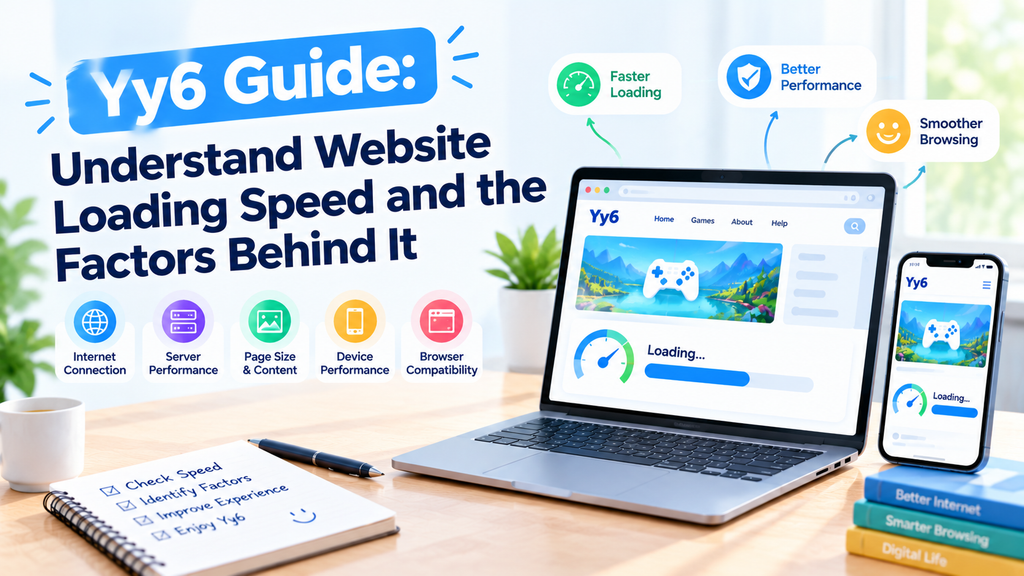
A webpage does not always open at the same speed. One page may appear almost instantly, while another may take several seconds to display its content. This difference can depend on the website, internet connection, device resources, and the size of the information being loaded.
For people accessing Yy6 through a browser or a supported application, understanding website loading speed can make technical behavior easier to recognize. Instead of assuming that every delay comes from the phone, users can identify the different factors that affect page loading.
This guide explains how websites load, what influences their speed, and how to understand common performance measurements.
What Happens When a Website Opens?
Opening a website involves several steps that usually happen within seconds. The browser first receives a request, connects to the required server, and begins collecting the information needed to display the page.
The process includes different technical components working together.
The Browser Sends a Request
When a user enters a website address, the browser attempts to locate the requested website. It uses network information to connect with the correct server.
The browser then requests the page content. This request may include text, images, scripts, fonts, and other resources.
The Server Sends Website Information
A server receives the request and responds with the information needed by the browser.
The amount of information, server capacity, and current network conditions can affect how quickly the response arrives.
If the server is temporarily busy or unavailable, the page may take longer to open.
The Browser Builds the Page
After receiving the required resources, the browser processes them and displays the webpage.
Some content may appear before the entire page finishes loading. Images, interactive elements, and additional sections may take more time to become available.
Five Major Factors That Affect Loading Speed
Website performance depends on more than one element. A problem in any part of the process can create delays.
1. Internet Connection Quality
A stable internet connection helps the browser exchange information with a website.
However, connection speed is not the only factor. Network interruptions, signal strength, and congestion can also affect loading time.
For example, a phone may have a strong Wi-Fi signal but still experience slow access if the network itself is overloaded.
2. Website Server Performance
A website depends on its server to deliver requested information. If the server takes too long to respond, the browser must wait before completing the page.
Server performance may change during periods of heavy activity. Users generally cannot correct server-side problems through their phone settings.
3. Page Size and Content
Some webpages contain more information than others. Large images, videos, animations, and complex scripts can increase the amount of data a browser must process.
A simple page with text may load faster than a page containing several large media files.
4. Device Processing Capacity
A phone needs enough available resources to process website content.
Older devices or phones running many demanding applications may take longer to display complex pages.
The effect depends on the device hardware, operating system, browser, and type of webpage.
5. Browser and Website Compatibility
Browsers do not always process every website element in exactly the same way.
An outdated browser or an unsupported feature may cause display problems. A page may also behave differently across mobile and desktop versions.
Keeping a browser updated can help maintain compatibility with modern websites.
Understand the Measurements Used for Website Speed
Website performance is often described through technical measurements. These numbers help developers understand how quickly a page responds and displays information.
Time to First Byte (TTFB)
TTFB measures how long it takes for the browser to receive the first byte of information after making a request.
A longer TTFB may indicate delays involving the network, server, or request processing.
It does not measure the time needed to display the complete webpage.
Largest Contentful Paint (LCP)
LCP measures when the largest visible content element has finished rendering within the initial screen area.
That element may be a large image, heading, or content section.
A good LCP generally means that the main visible content appears quickly.
Interaction to Next Paint (INP)
INP measures how responsive a webpage feels when users interact with it.
For example, it considers the delay between selecting a button and seeing the resulting visual response.
A page can load quickly but still feel slow if its controls respond poorly.
Cumulative Layout Shift (CLS)
CLS measures unexpected movement of visible page elements while content loads.
For example, a button may move down when an image suddenly appears above it. This can cause users to select the wrong control.
A lower CLS score generally indicates a more stable page layout.
How to Investigate a Slow Yy6 Page
If a Yy6 page takes longer than expected to open, avoid changing several phone settings immediately. First, identify whether the delay affects one website or the entire browsing experience.
Use this simple process:
- Open another familiar website in the same browser.
- Check whether other pages load normally.
- Try the affected page again after a short interval.
- Compare the result using another supported browser if available.
- Check whether the issue continues on a different network.
If other websites work normally but one page remains slow, the problem may be related to that website or its server.
If several websites experience delays, the internet connection, browser, or device may need attention.
Practical Ways to Improve Your Browsing Experience
Users cannot control every part of website performance, but a few habits can reduce avoidable delays.
Avoid Running Too Many Demanding Apps
Applications running in the background may use memory and processing resources.
Close applications that are no longer needed, especially when using a phone with limited resources.
Use a Stable Network
Choose a reliable Wi-Fi or mobile data connection. If one network is experiencing problems, testing another available connection can help identify the cause.
Keep Your Browser Updated
Browser updates may include performance improvements, compatibility changes, and corrections.
Install updates through the device’s trusted application store or official update system.
Give Heavy Pages Time to Load
Repeatedly refreshing a page can create additional requests without fixing the original problem.
Wait for the page to respond before selecting controls or refreshing it again.
Common Myths About Website Loading Speed
A faster internet plan fixes every loading problem. Not necessarily. Server delays, device limitations, and large webpage resources can still affect performance.
Every slow page means the phone has a problem. A website may be experiencing temporary technical difficulties that users cannot control.
Refreshing repeatedly always makes a page faster. Repeated requests may increase unnecessary activity and do not guarantee a better result.
A page that appears quickly is fully ready. Some images, interactive controls, or background resources may still be loading.
Understanding these differences helps users avoid unnecessary troubleshooting.
Final Thoughts
Website loading speed is the result of several connected processes. Internet quality, server response, webpage size, device resources, and browser compatibility all influence how quickly information appears.
For Yy6 users, understanding these factors makes it easier to recognize where a delay may be happening. Whether using a browser-based service or a Yy6 game apk, the important step is to identify the source of a problem before making changes.
A slow webpage does not always mean something is wrong with the phone. Sometimes the delay comes from the network or website itself. Knowing the difference leads to more practical decisions and a smoother browsing experience.
Frequently Asked Questions
1. Why does one website load slowly while others work normally?
The affected website may have server delays, large page resources, or technical problems. The issue does not necessarily come from the device.
2. Does internet speed control all parts of website performance?
No. Internet speed matters, but server response, browser processing, device resources, and webpage design also affect performance.
3. What does TTFB mean?
TTFB stands for Time to First Byte. It measures how long a browser takes to receive the first response data from a server.
4. What is the purpose of LCP?
Largest Contentful Paint measures how quickly the largest visible content element appears within the initial viewing area of a webpage.
5. Can an outdated browser affect website loading?
Yes. An outdated browser may have compatibility or performance limitations that affect how some websites work.
6. What should I do if a Yy6 page remains slow?
Check other websites, test a different network, and try another supported browser. If only that page remains slow, the issue may be related to the website or its server.